GBGX ERP Platform

GBGX ERP Platform
A multi-tenant ERP platform built from the ground up for EV parts distribution networks — unifying master data, procurement, warehouse operations, dealer sales, asset lifecycle, service, and reverse logistics across four role-based portals (Admin ERP, Vendor, Employee, Customer).

Platform Overview
GBGX ERP is a full-stack, multi-tenant enterprise resource planning platform engineered for EV parts distribution networks. It connects a central warehouse, branch dealers, external vendors, warehouse floor staff, and end customers through a single source of truth — covering the entire lifecycle from master data setup and procurement, through warehouse operations and dealer sales, into service, warranty, and reverse logistics.
One network, four portals, nineteen operational procedures — every workflow, endpoint, and role-based operation running step by step.
Architecture & Portals
The platform is structured around four role-based portals, each with scoped access and persona-driven workflows:
- Admin ERP — COMPANY_ADMIN, WAREHOUSE_MANAGER, and DEALER operations: entities, vendors, products, procurement, inventory, finance, sales, assets, and service.
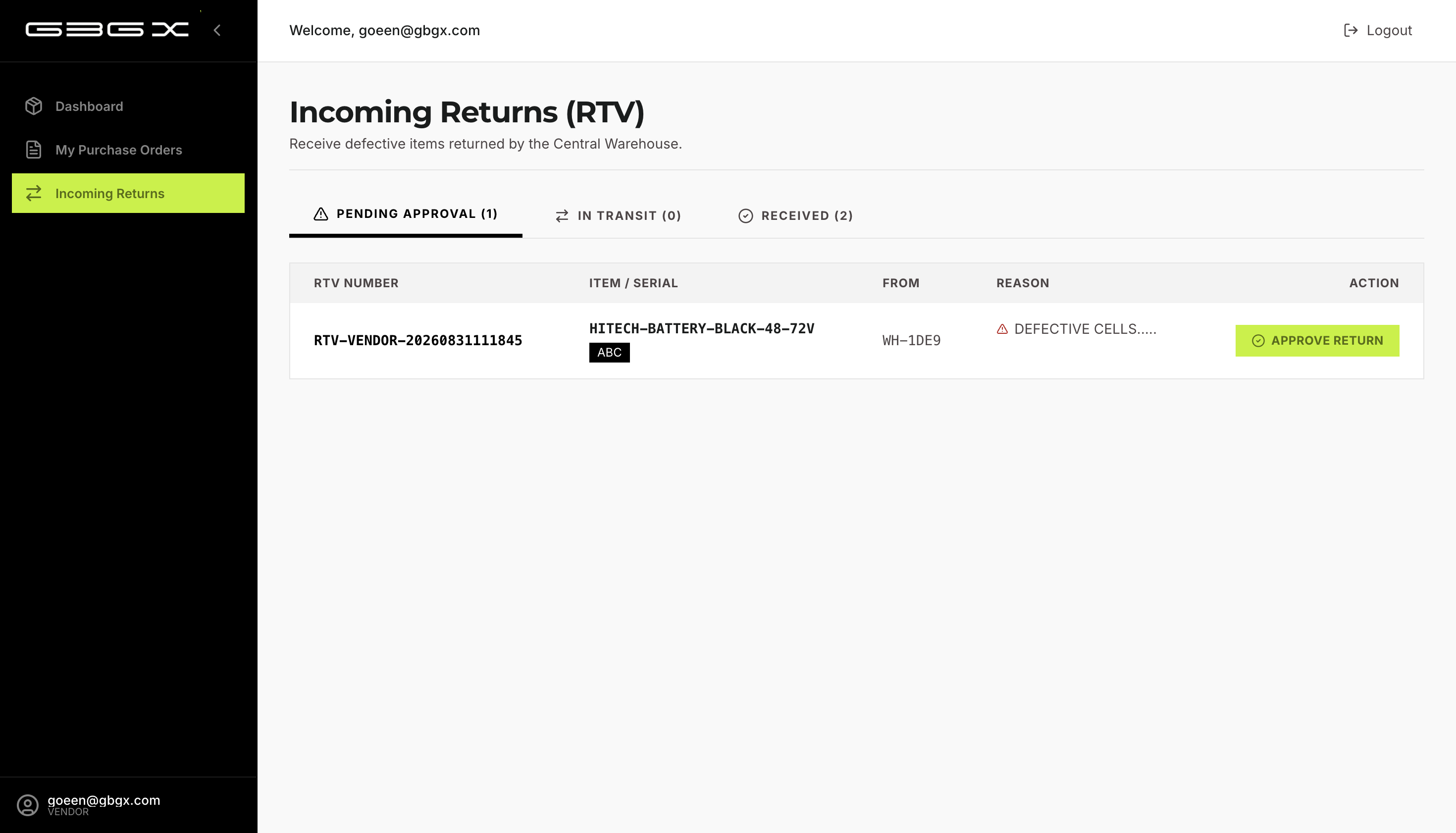
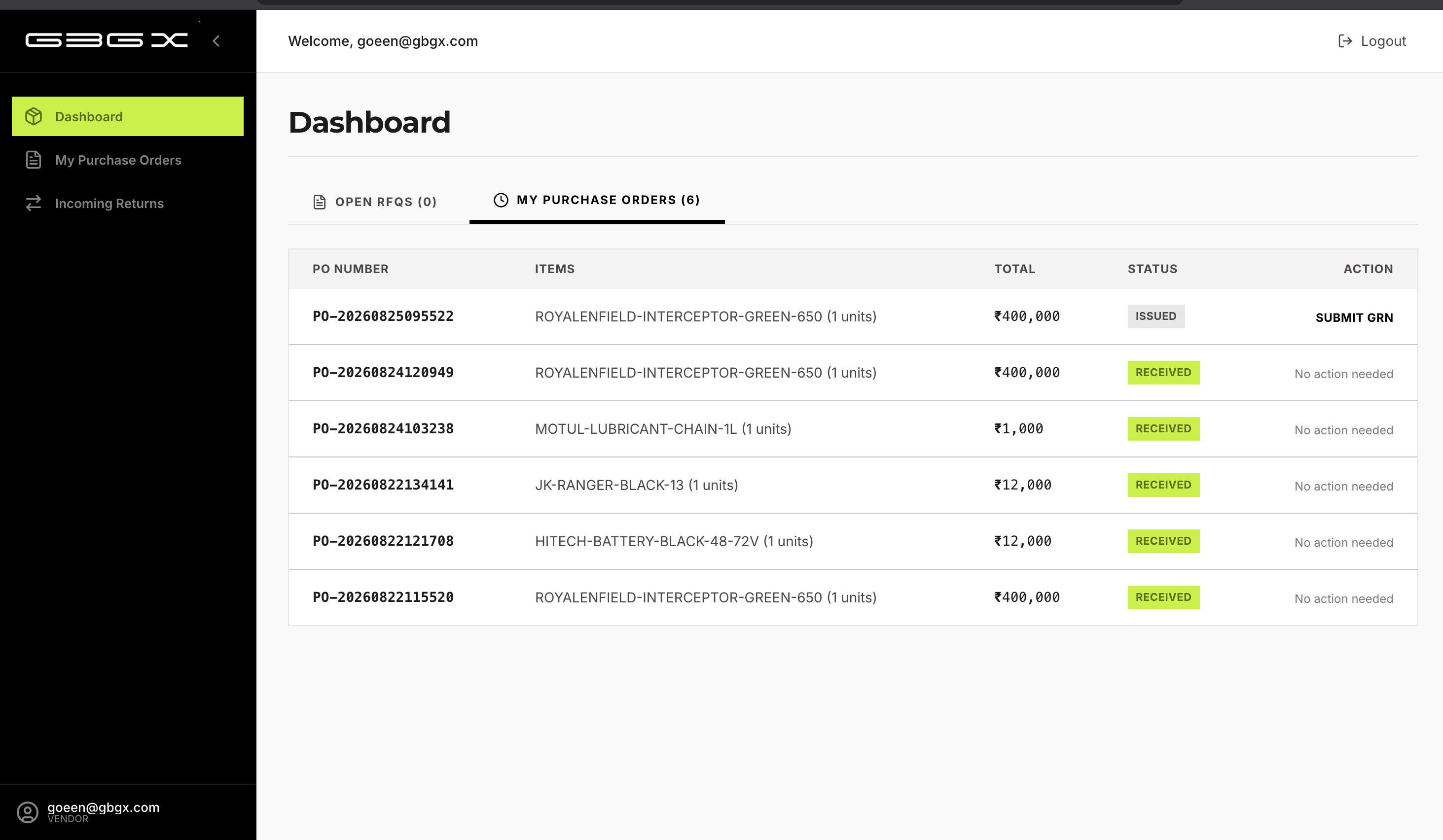
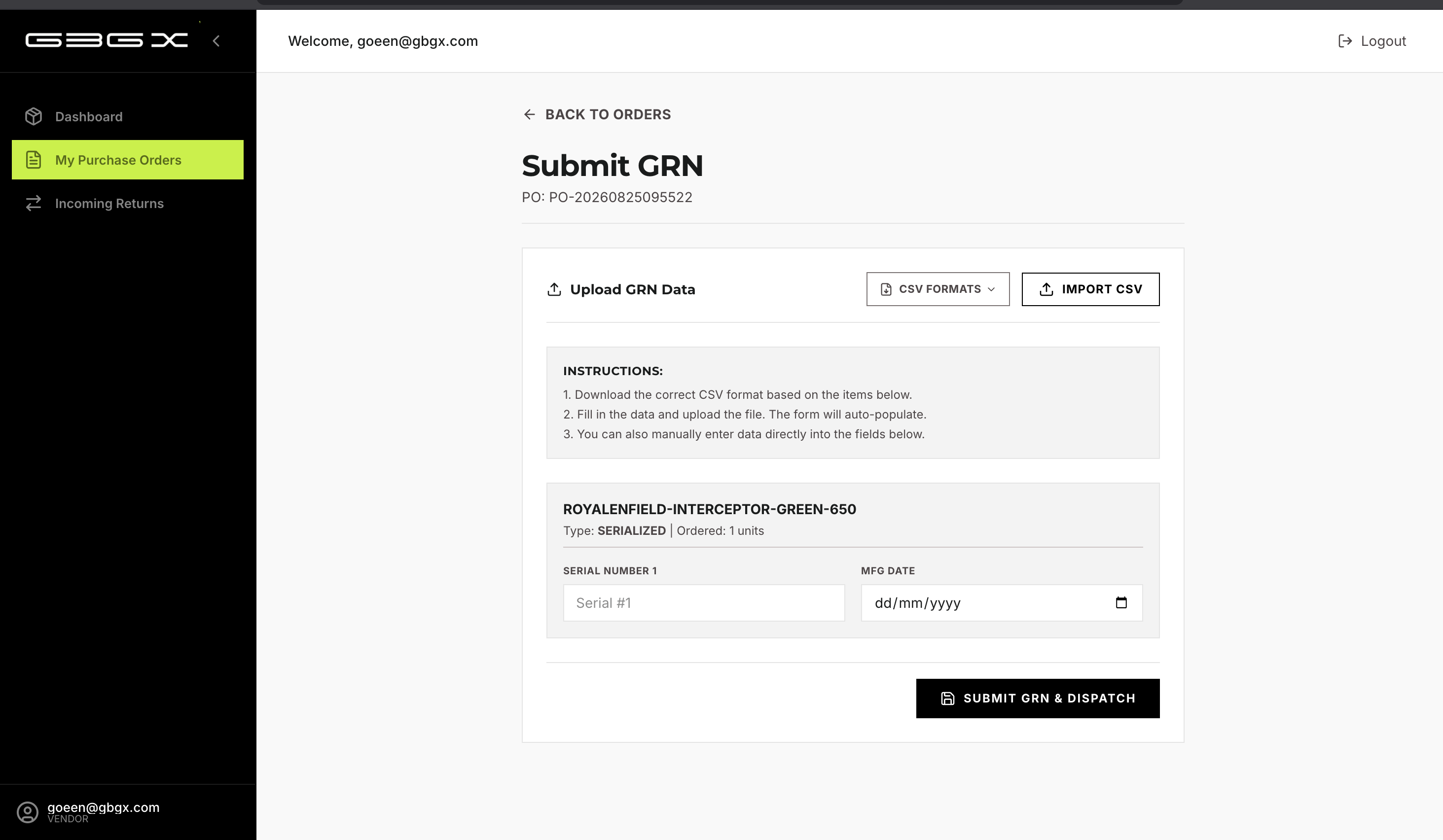
- Vendor Portal — external suppliers manage purchase orders, submit GRNs (serialized / batch / quantity), and approve incoming returns.
- Employee Portal — mobile task execution for warehouse staff across Pick, Pack, Dispatch, and Putaway tabs.
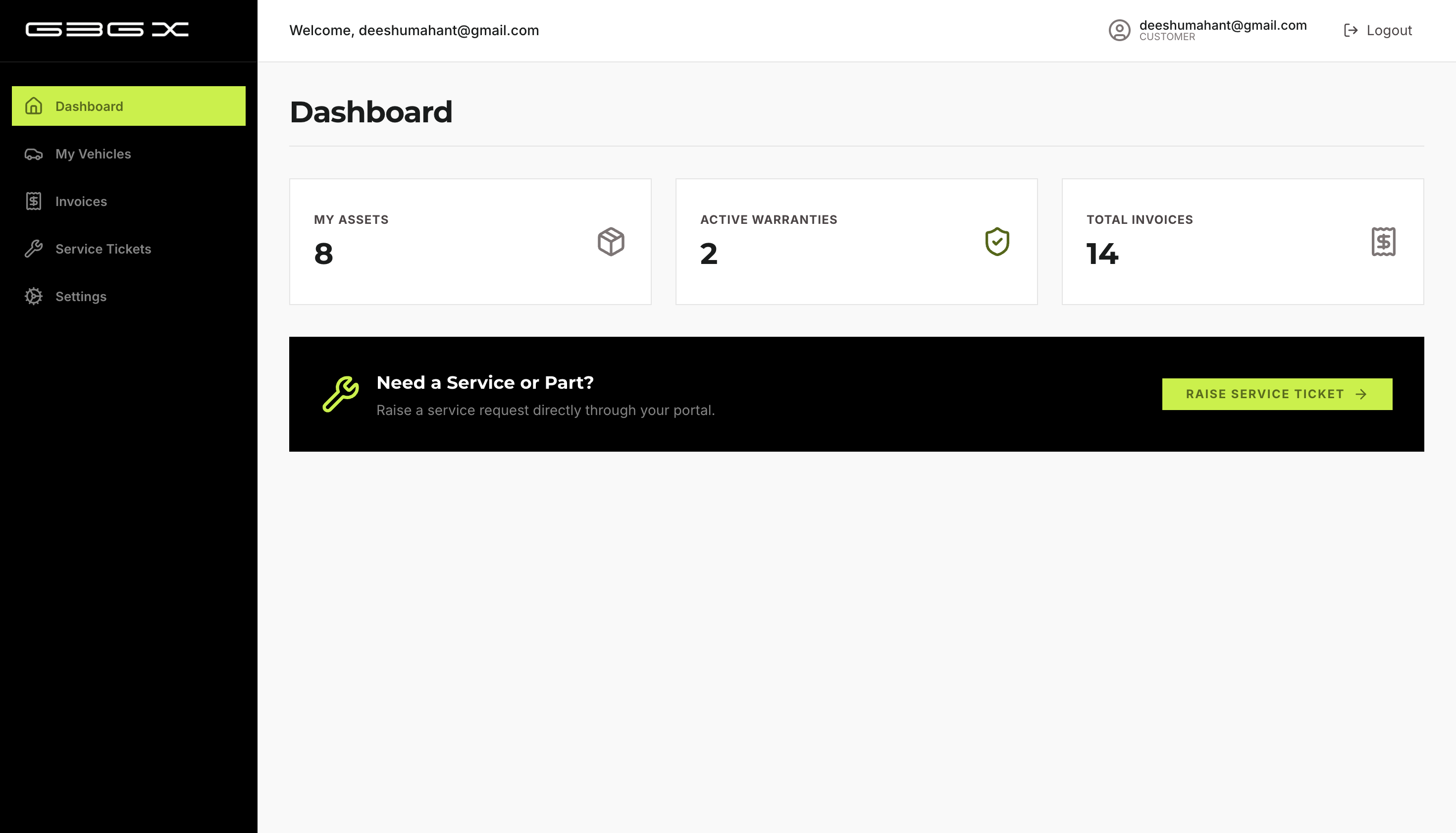
- Customer Portal — vehicle passport, compatible parts, warranty alerts, and self-service service requests.
Chapter 1 — Master Data & Network Setup
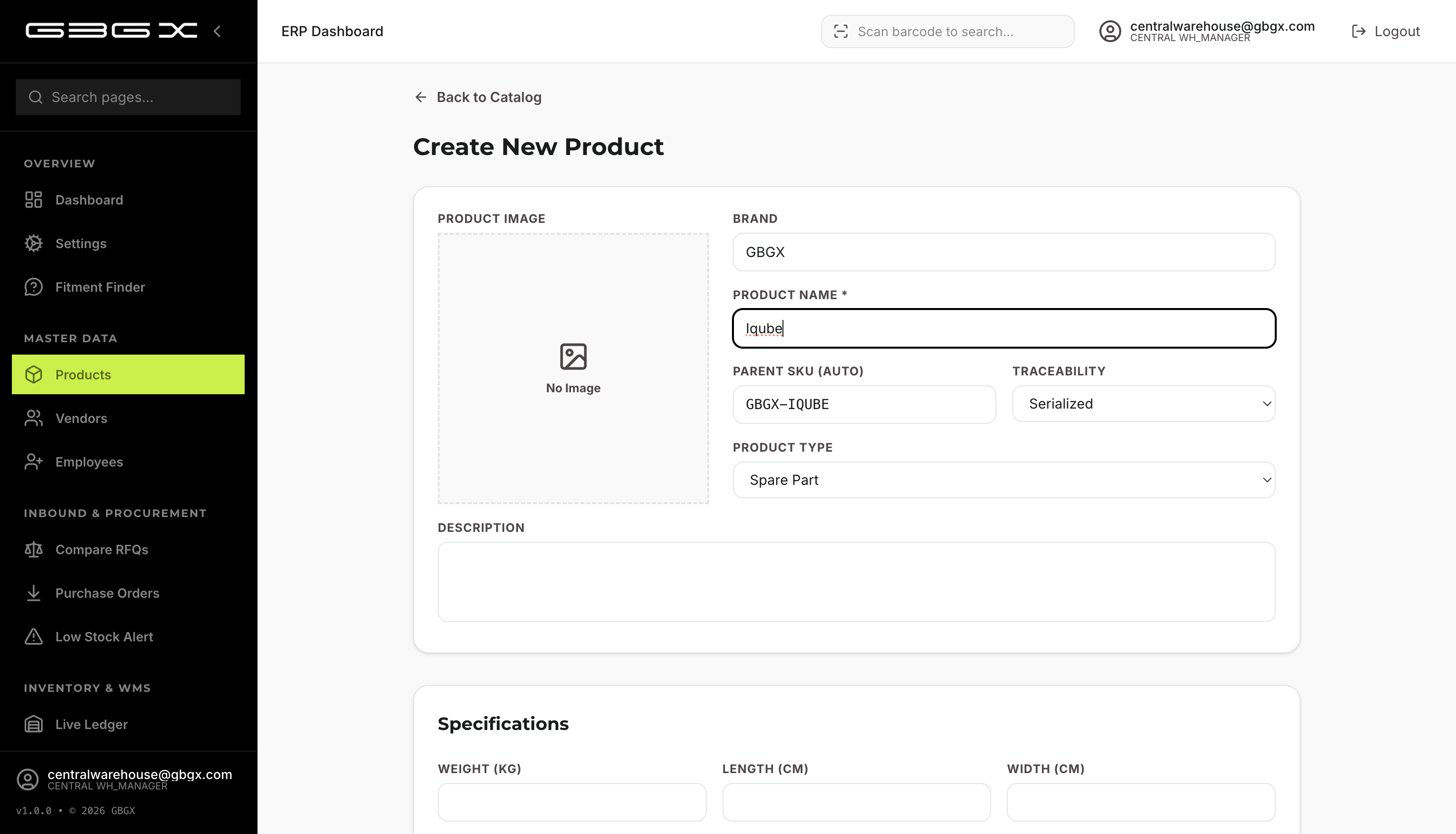
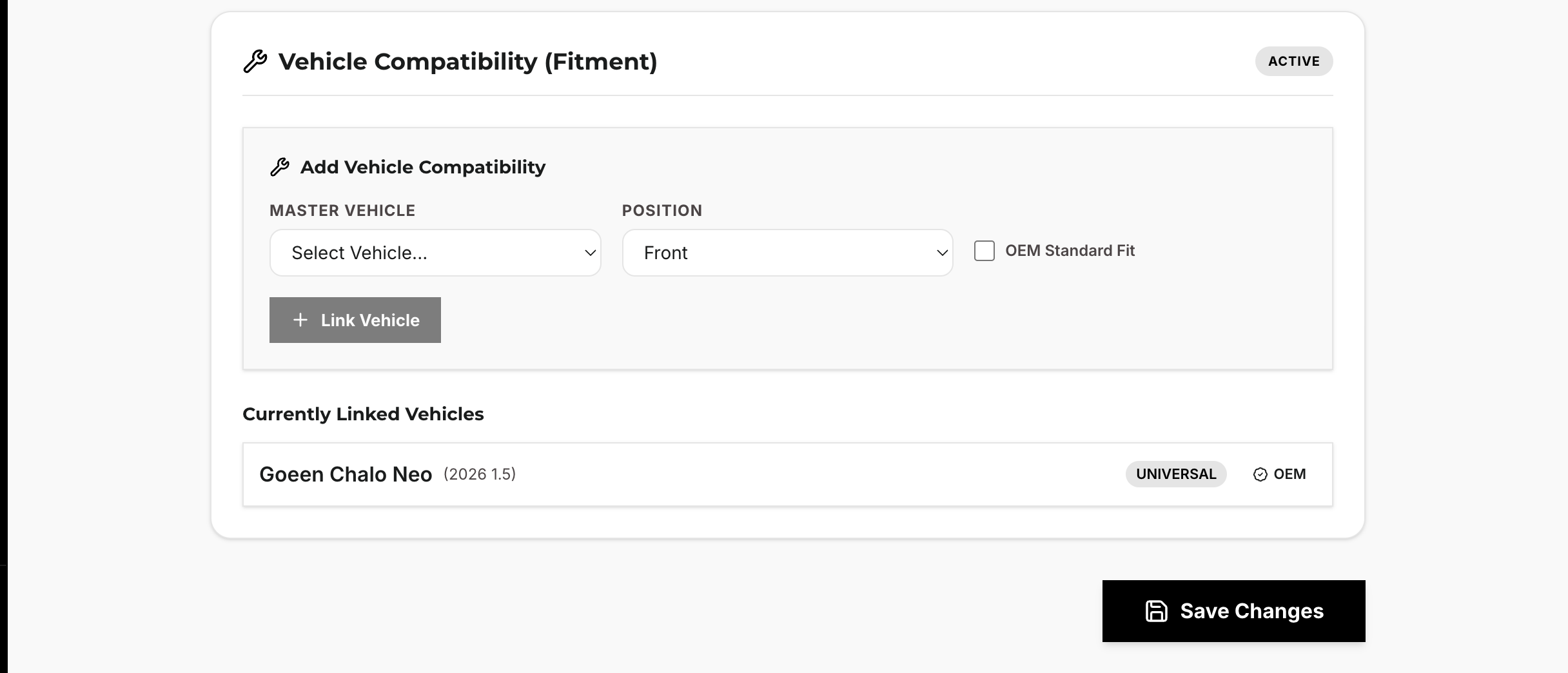
Provisioning starts with entities (warehouses and dealers), each auto-generating a unique Tenant ID and admin login. Vendors are onboarded with strict GSTIN (15-char alphanumeric) and phone (10-digit) validation, with portal credentials issued at provisioning time. Products support three traceability modes — Quantity Based, Serialized (with warranty), and Batch Tracked (FEFO) — plus a Fitment Engine that links parts to EV Master Vehicles (Make/Model/Year) so dealers only sell compatible components.
Chapter 2 — Procurement & Vendor Portal
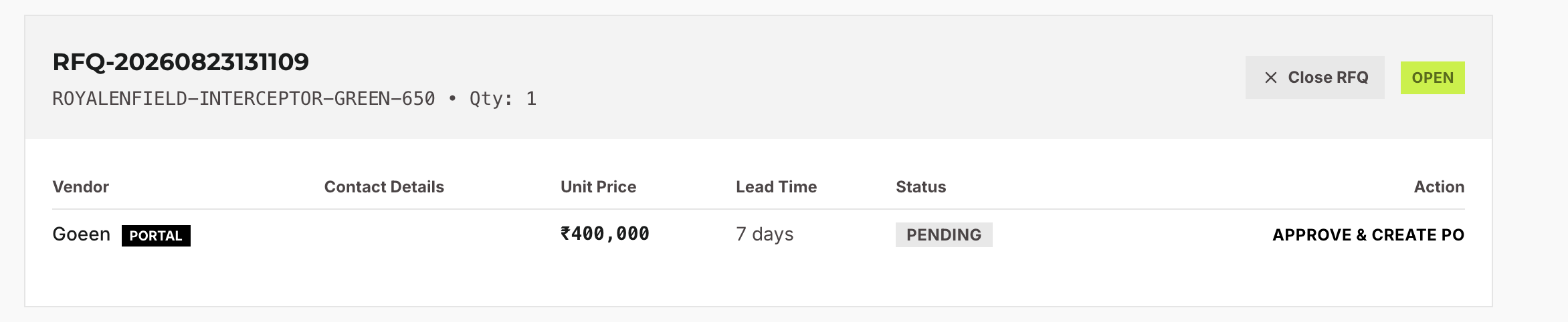
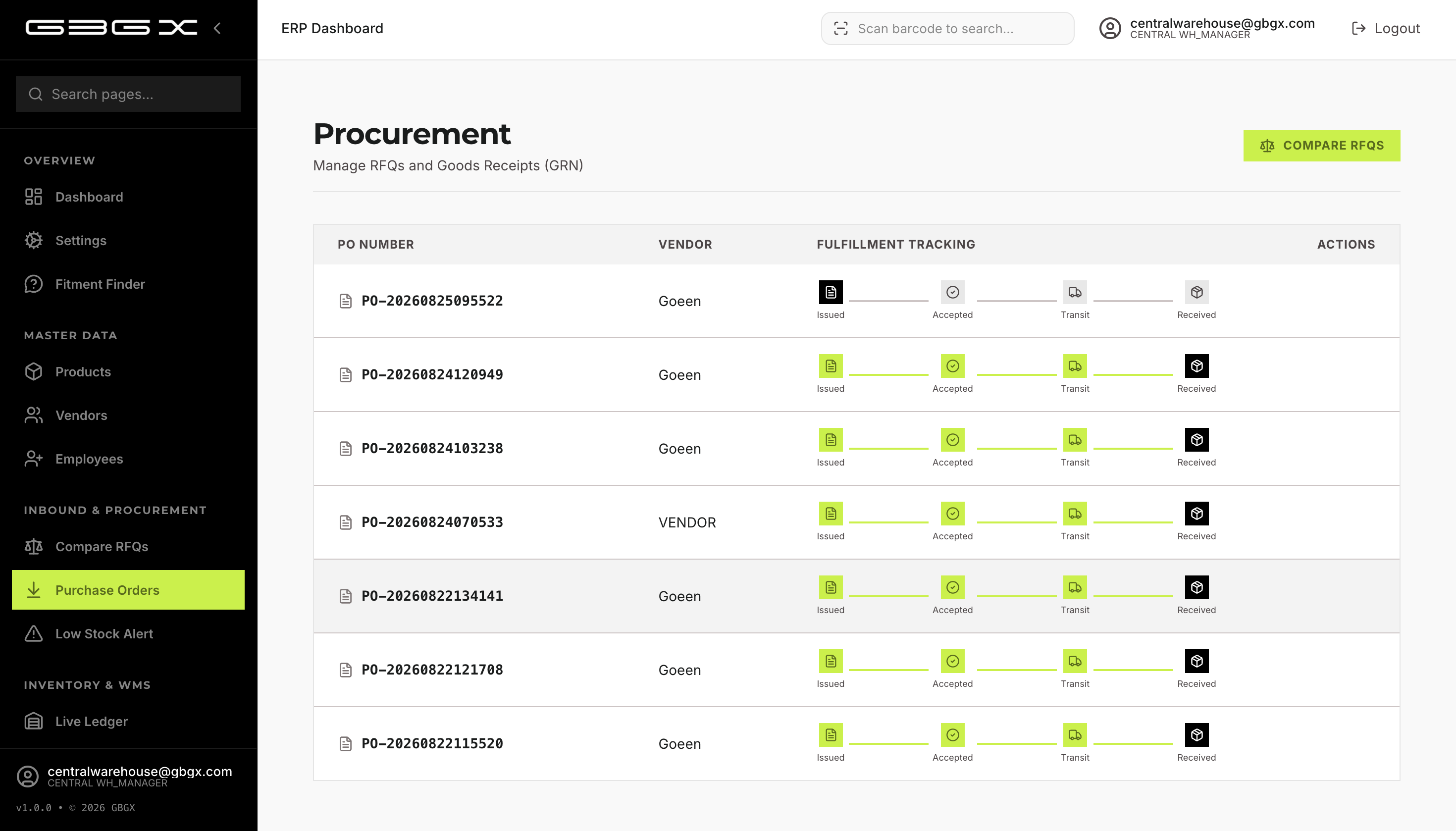
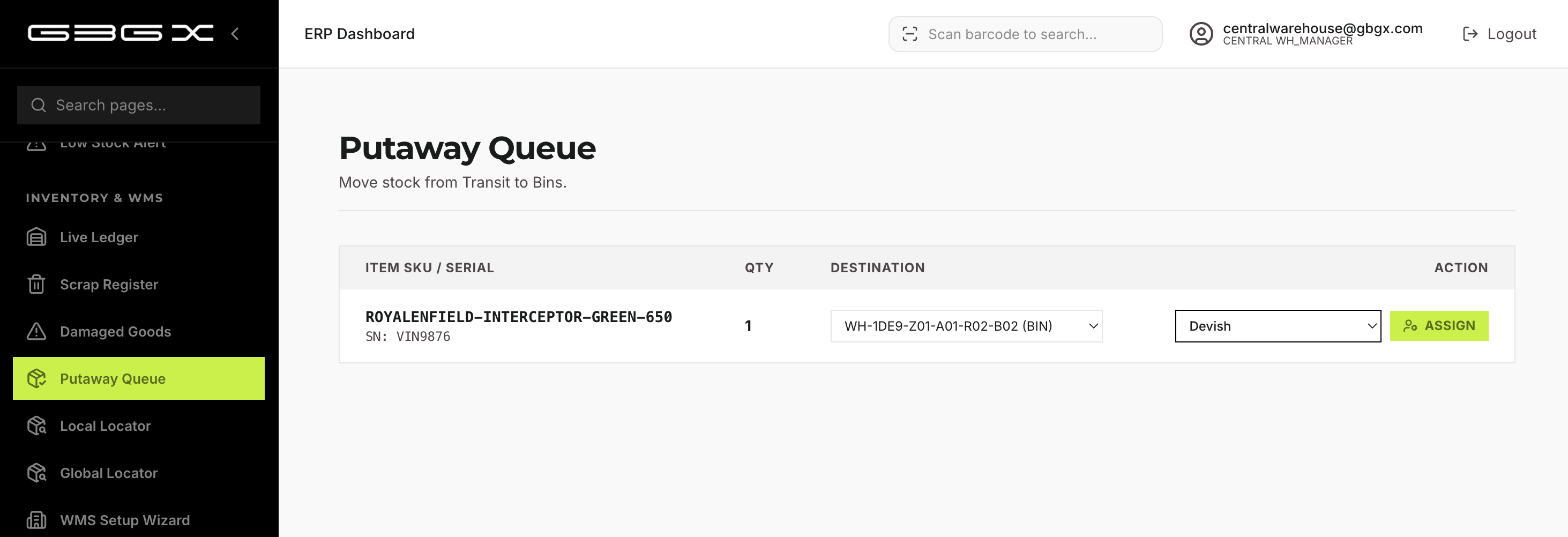
Central WH managers raise RFQs against approved vendors, compare quotes side-by-side, and approve the best quote to auto-generate a Purchase Order (ISSUED). Vendors fulfill the PO via the Vendor Portal, submitting GRNs with serial numbers or batch/quantity data, then dispatch. On receipt, stock lands in a TRANSIT zone and flows into a Putaway Queue for bin assignment.
Chapter 3 — Warehouse Configuration & Live Ledger
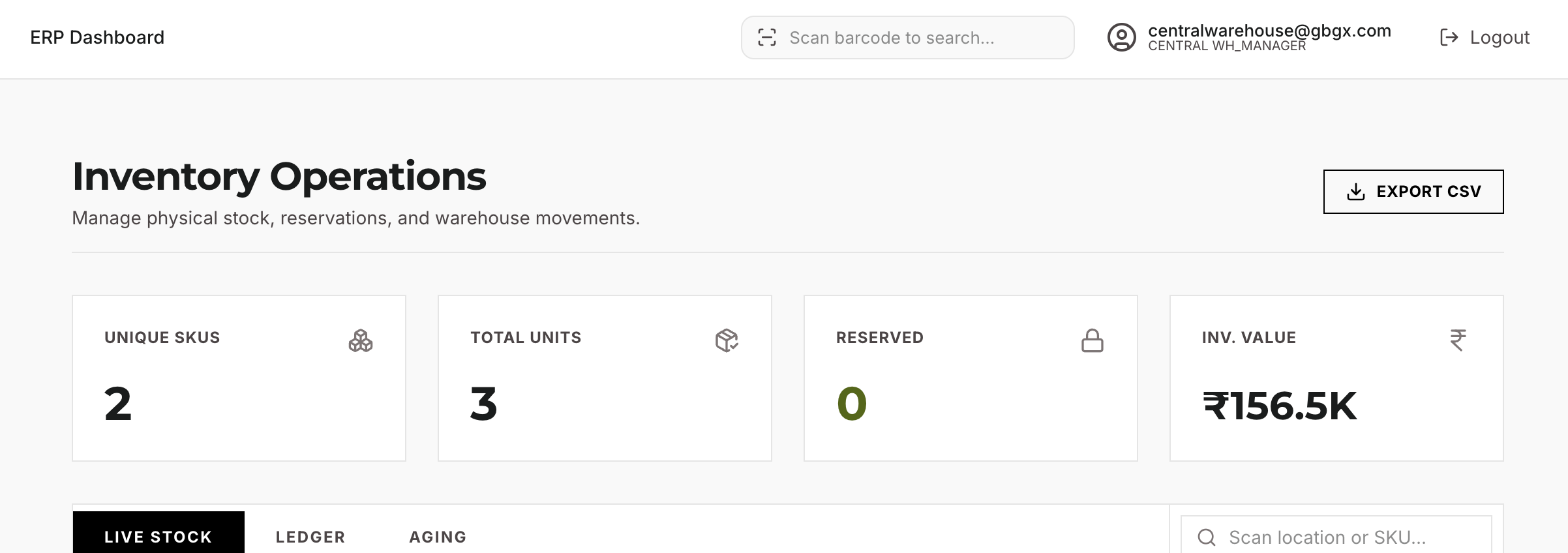
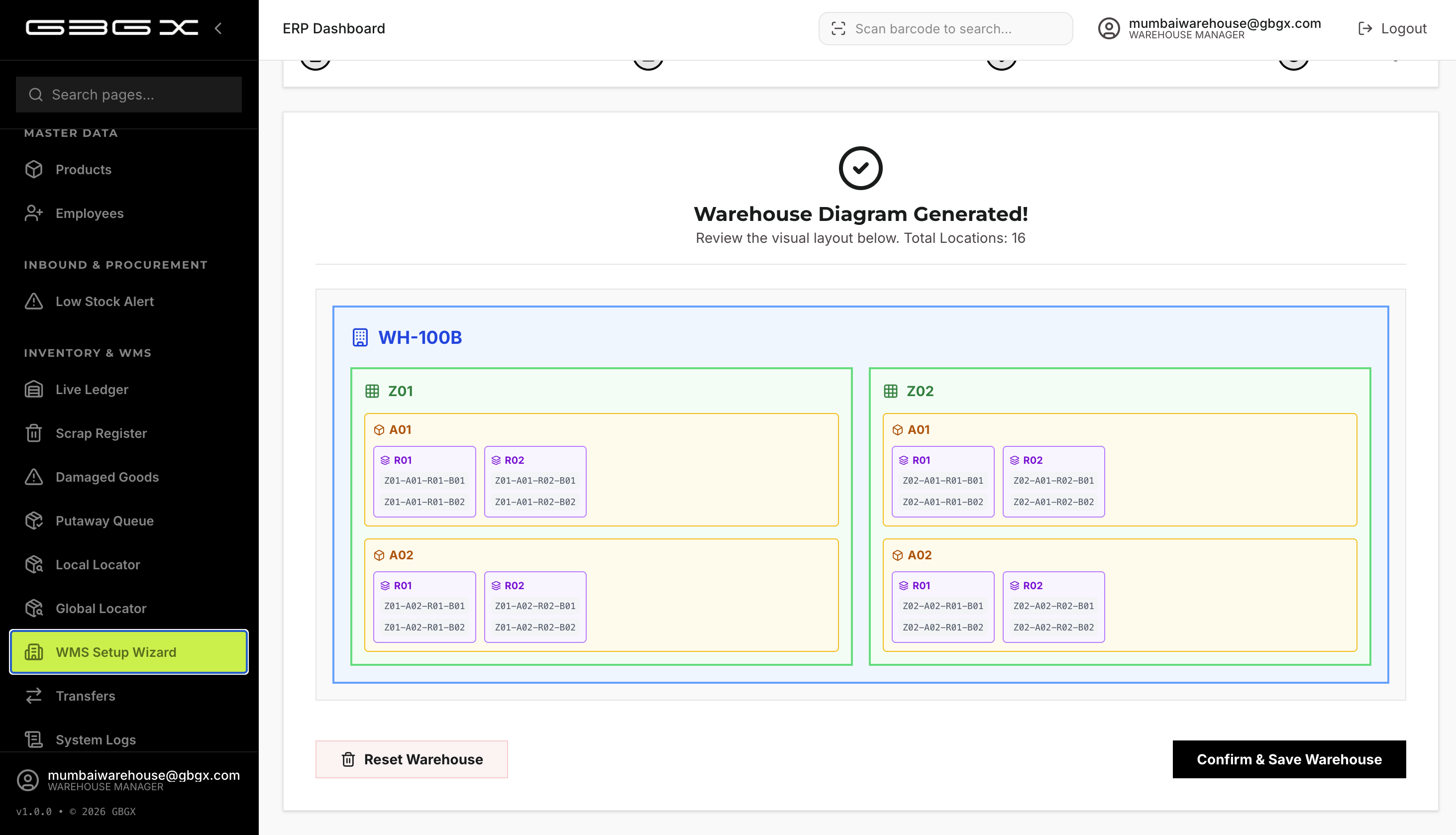
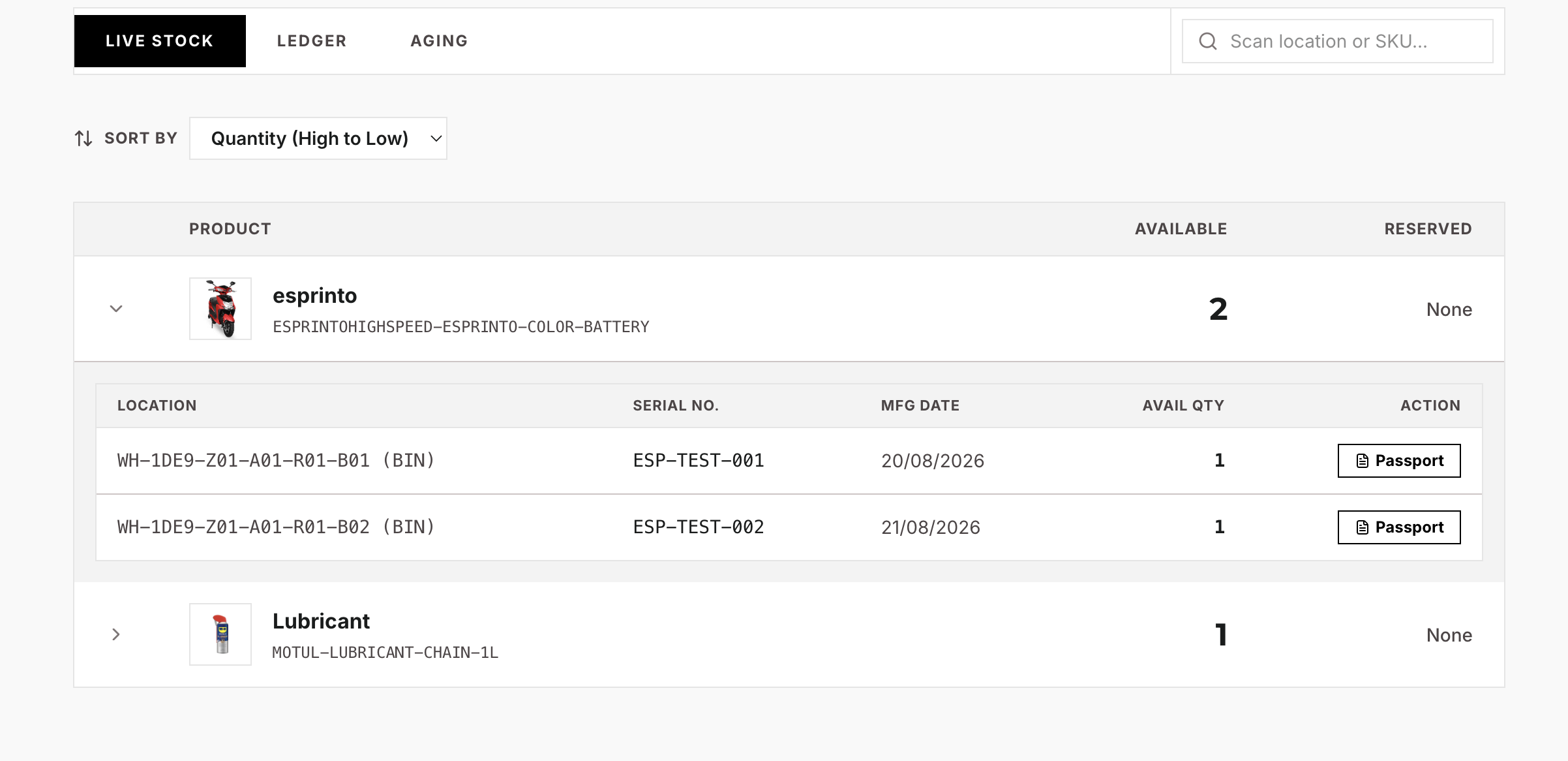
The WMS Setup Wizard generates the full physical layout — Zones, Aisles, Racks, and Bins — from a few inputs, bulk-inserting hierarchical location paths (e.g., WH01-Z01-A01-R01-B01). The Live Ledger surfaces real-time KPIs (Total SKUs, Units, Reserved, Inventory Value) with expandable SKU rows showing bins, serials, and batches. TRANSIT and DAMAGED zones are hidden from the ledger to prevent parallax errors — only physical, sellable stock is shown. Internal transfers move stock entity-to-entity through a multi-role approval and pick/pack/dispatch flow.

Chapter 4 — Sales, Service & Asset Lifecycle
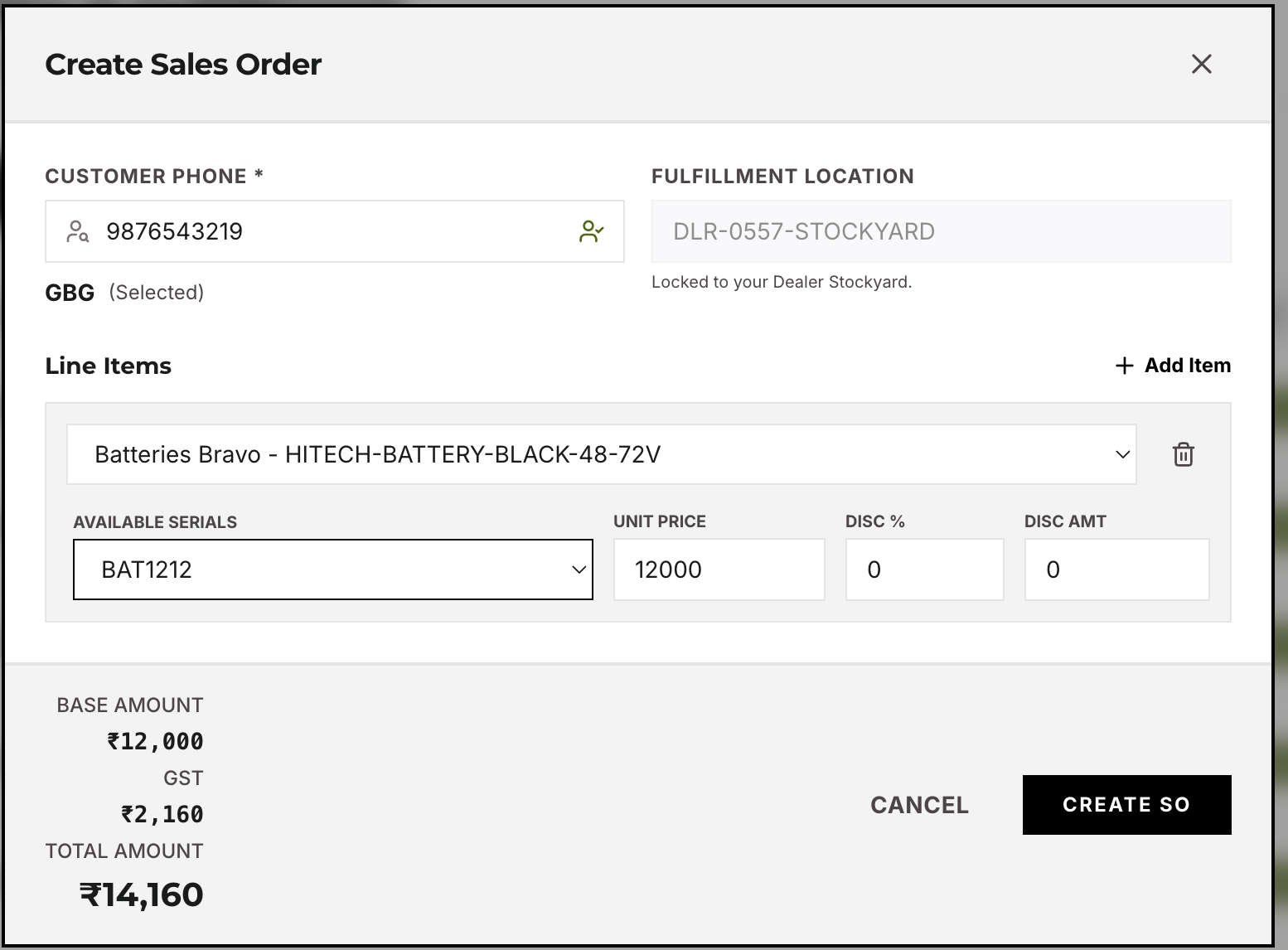
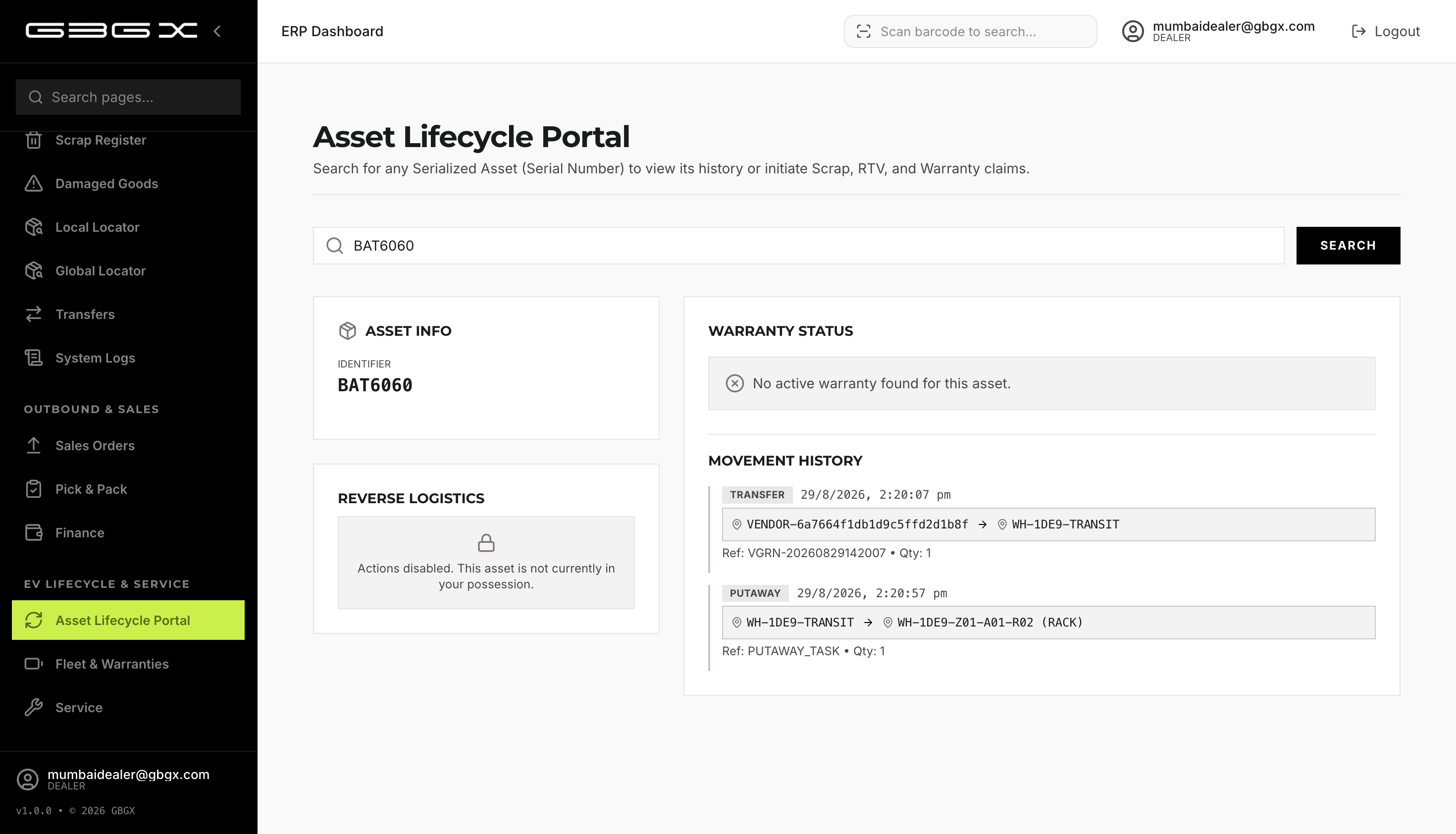
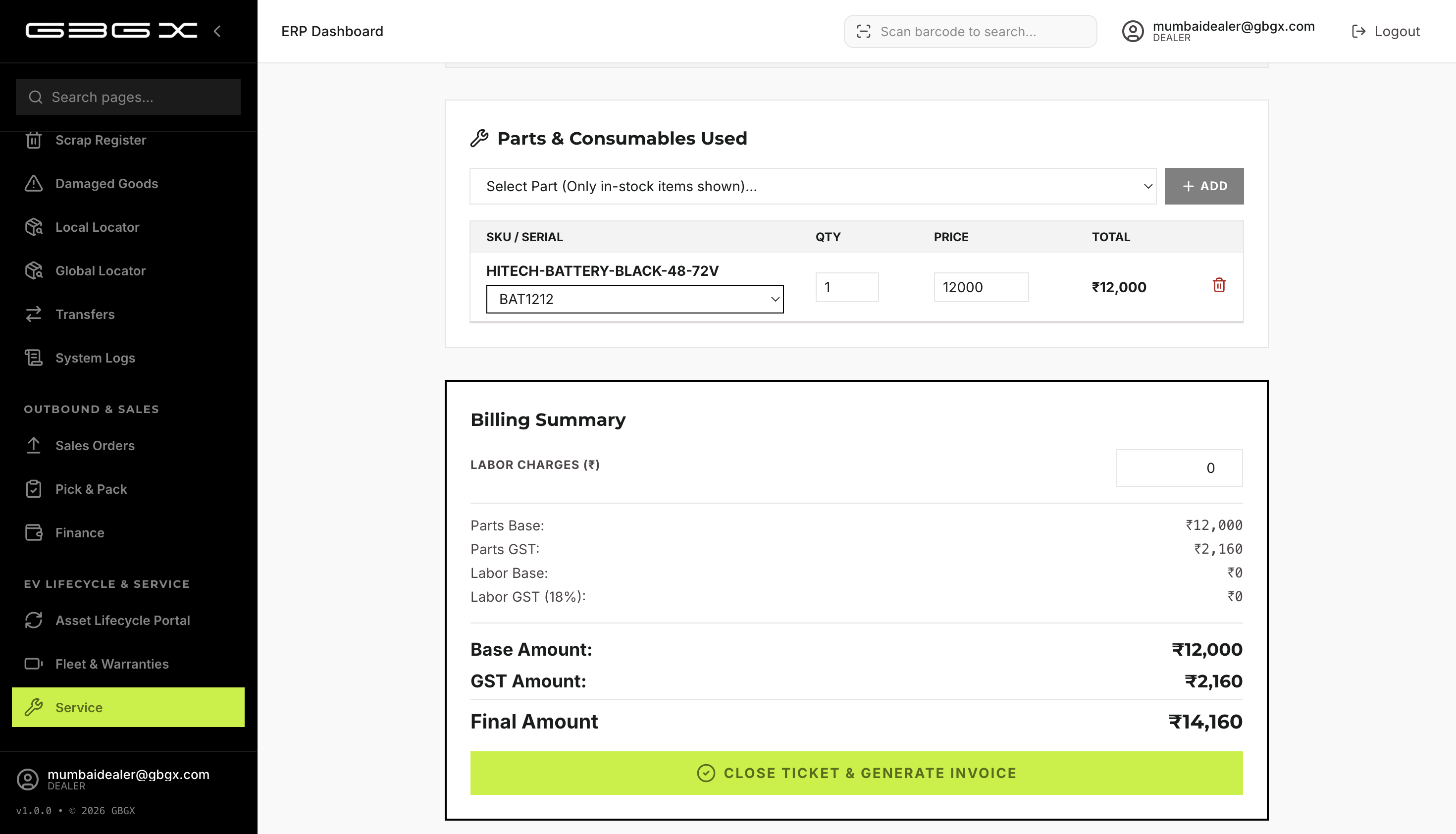
Dealers create sales orders by searching customers via 10-digit phone, selecting variant (and serial for serialized items), and reserving stock instantly. Pack & Challan generates a delivery challan PDF; on delivery, stock is deducted and the invoice and warranty are auto-generated. Finance manages sales invoices (with physical number overrides for GST sync) and credit notes. The Asset Lifecycle Portal tracks any serialized asset by VIN/serial — movement history, warranty status, and current location. Service centers run a full ticket workflow from complaint to executed repair (parts + labor + warranty claims) to invoicing. Warranty registration is fully automated on delivery.


Chapter 5 — Employee & Customer Portals
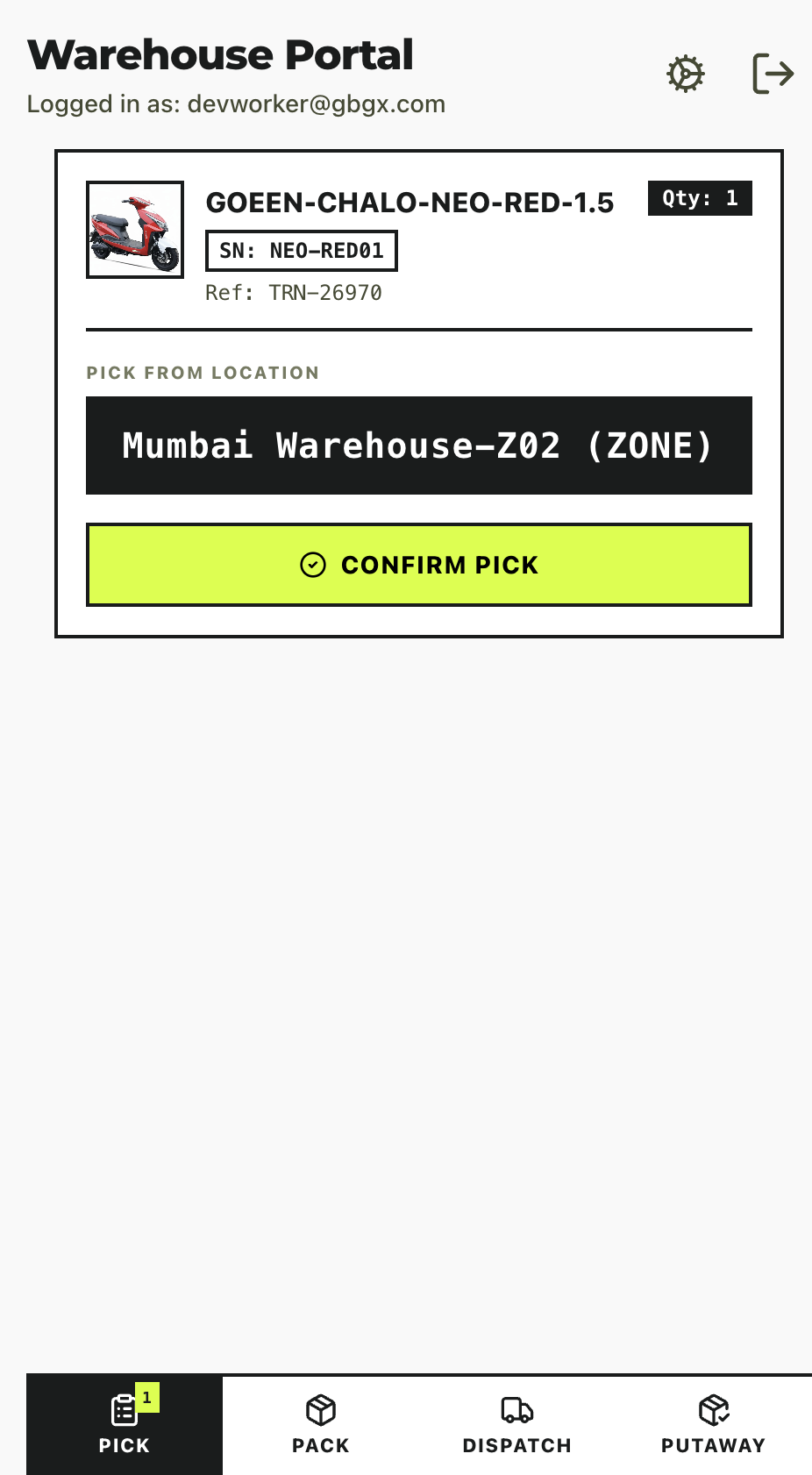
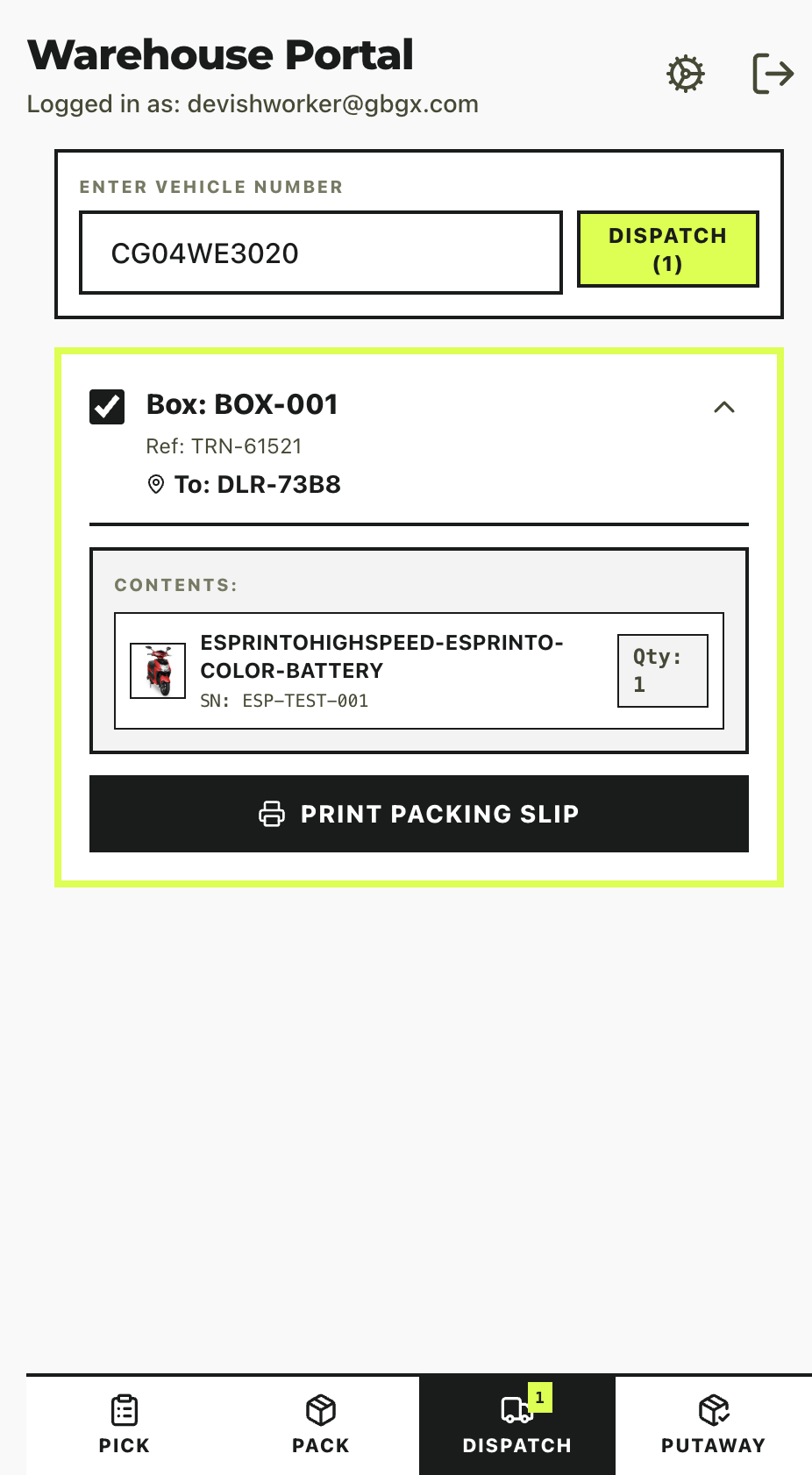
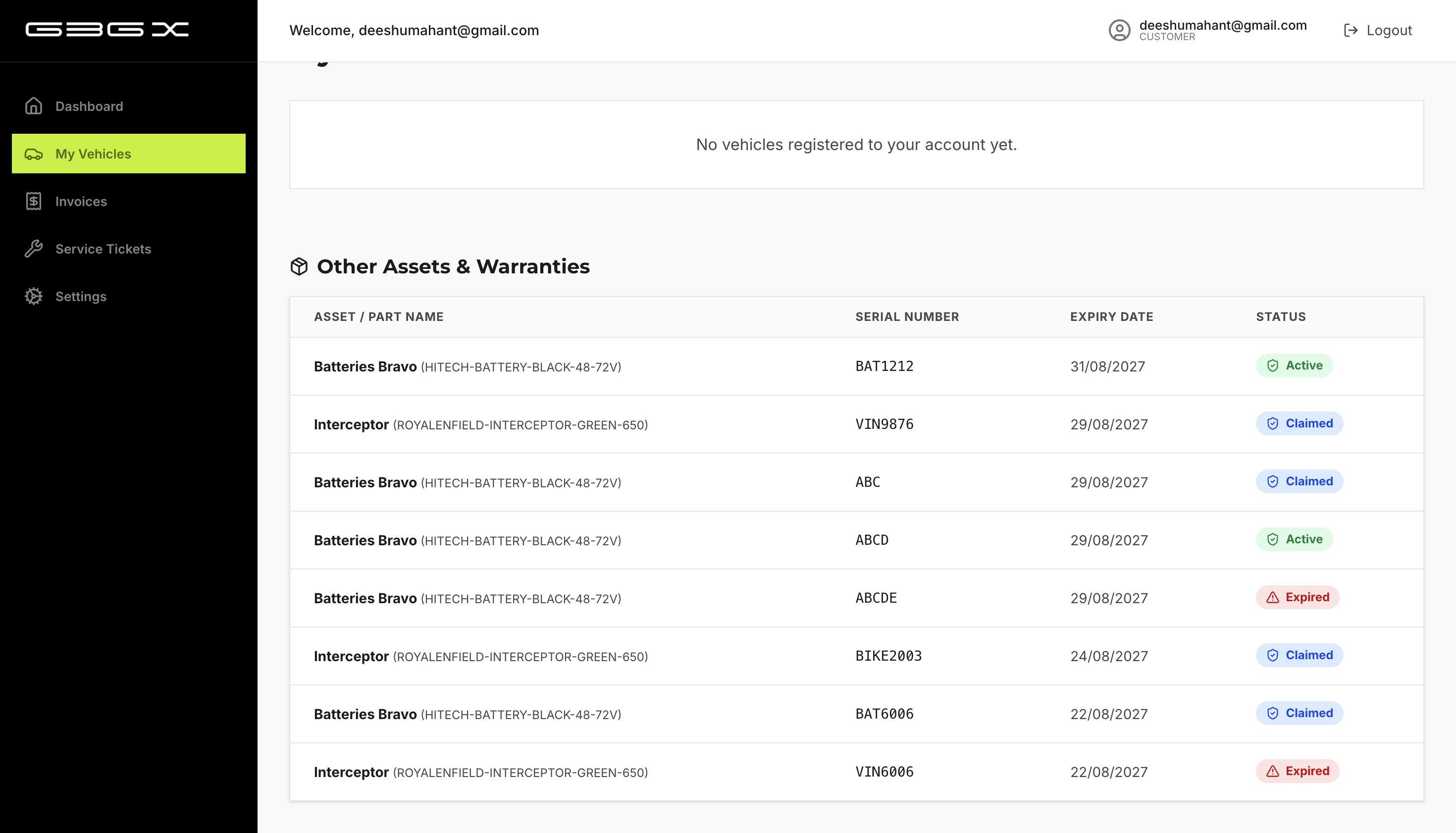
The Employee Portal is a mobile-first task execution surface with four tabs — Pick (confirm bin), Pack (box number), Dispatch (vehicle number), and Putaway (transit-to-bin). The Customer Portal gives end users a dashboard of active vehicles, standalone assets (batteries), and warranty alerts (expiring soon / expired), plus vehicle passport downloads, compatible parts lookup, and one-tap service request creation that opens a backend service ticket.
Chapter 6 — Reverse Logistics
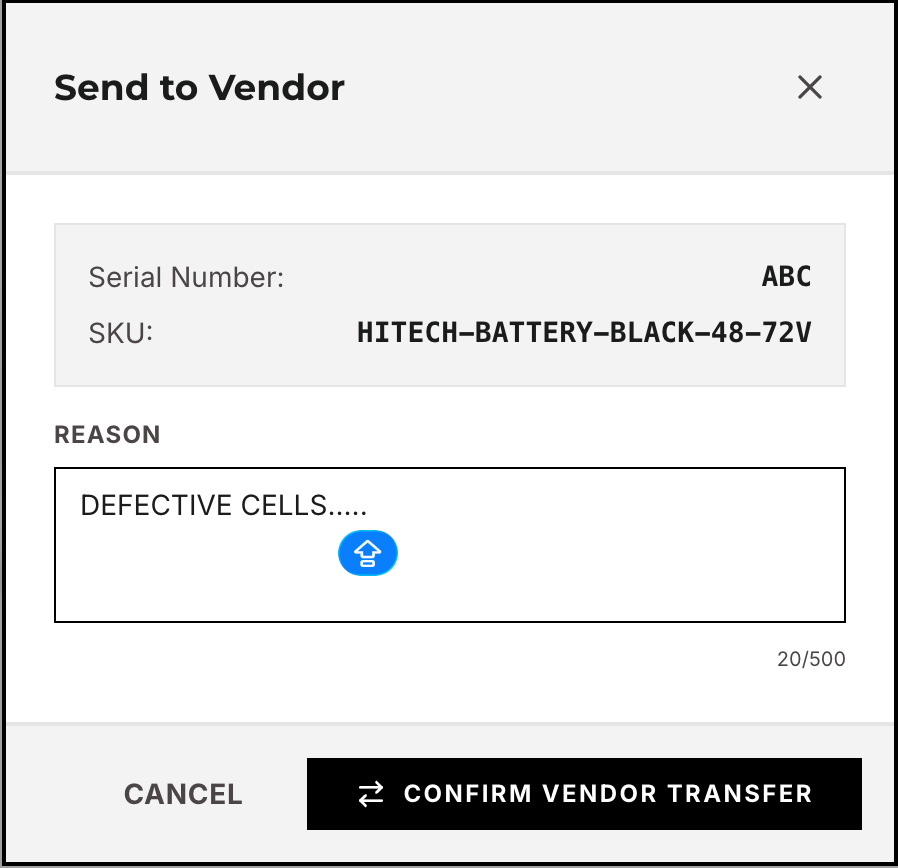
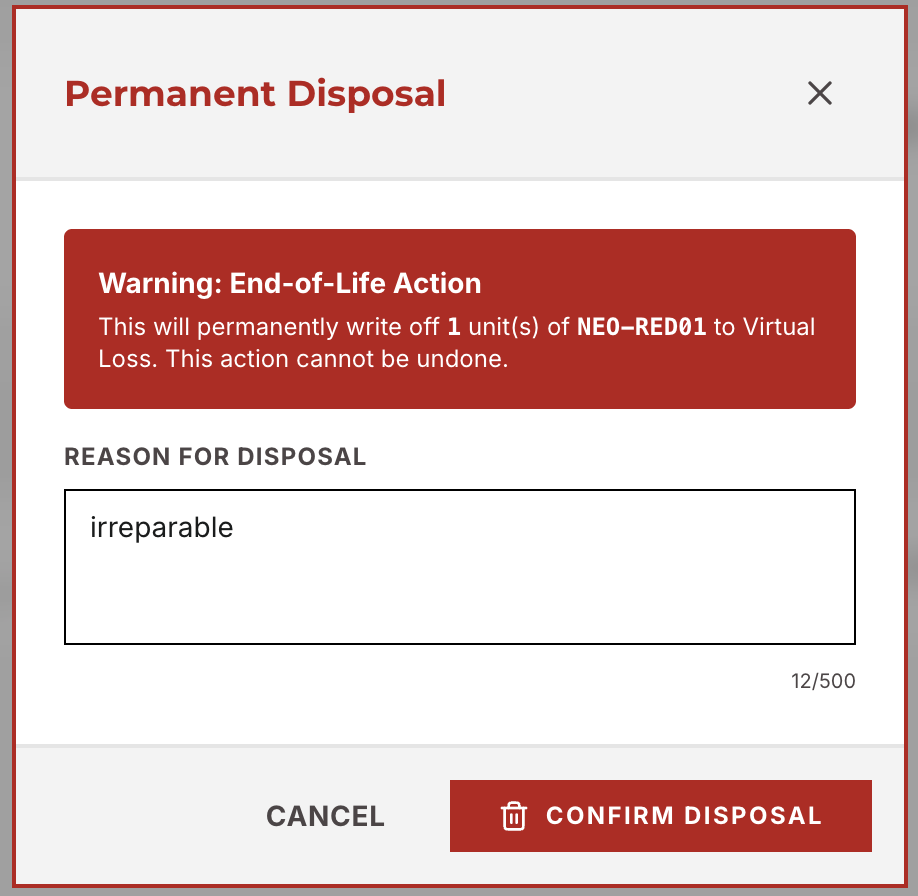
Defective items flow through a structured RTV (Return to Vendor) pipeline. Branches raise RTV from the Asset Lifecycle, moving the item into a -DAMAGED zone; Central WH approves via Warranty Approvals; floor staff pick, pack, and dispatch; and Central WH receives the transfer. From Central WH, items are sent back to the original vendor through the Vendor Portal's Incoming Returns approval. Irreparable items are scrapped — moved to a VIRTUAL_LOSS zone and permanently removed from all ledgers with a documented disposal reason.